Ready-made scripts to accelerate & expand your design process.
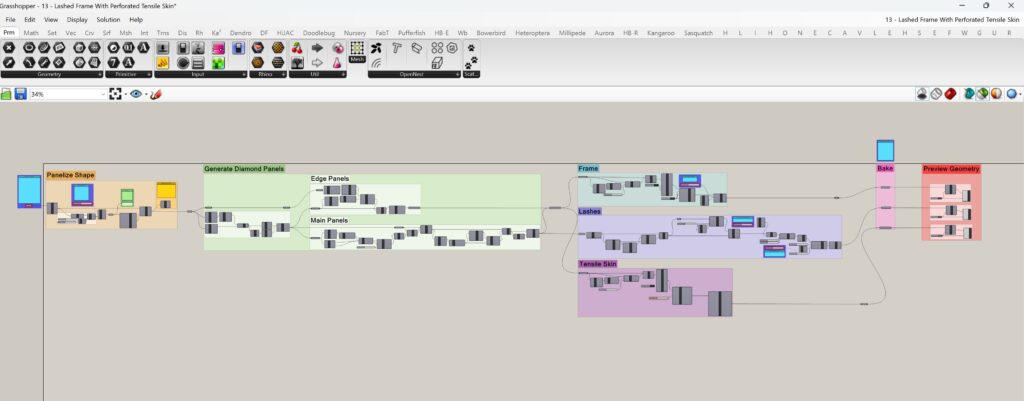
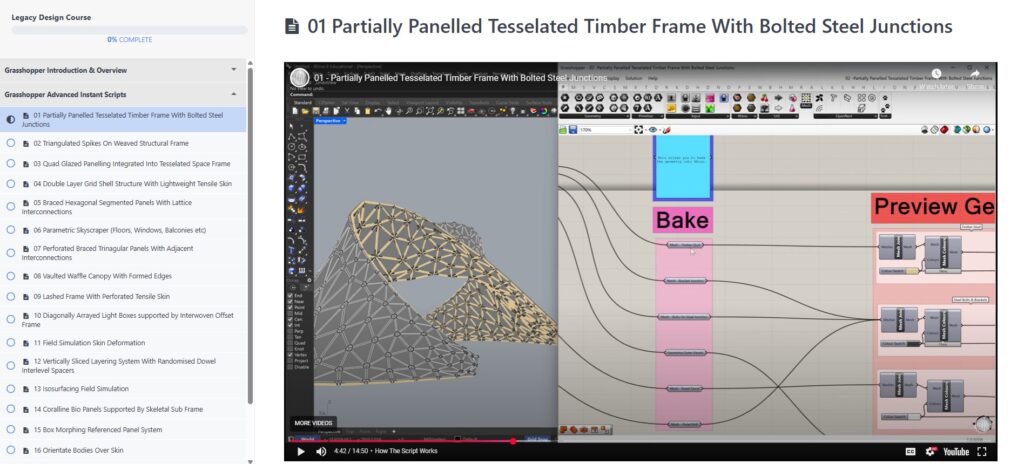
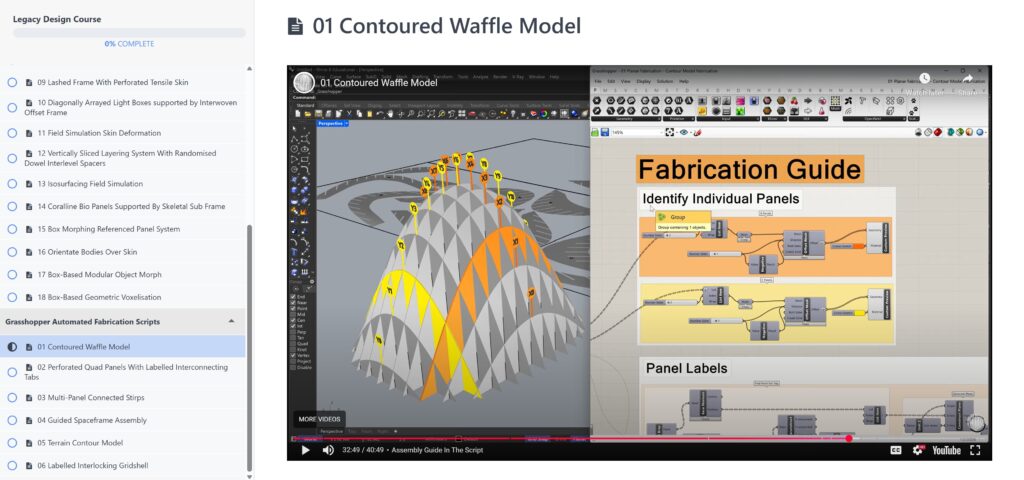
Ready to Use Scripts: These tutorials give you ready-made Grasshopper scripts that you can open straight away and use on your own Rhino models. Each video starts with a quick overview showing how the script works in practice, followed by an in-depth explanation of what each part does.
Clearly Organised & Labelled Scripts: The scripts are neatly organised, with notes throughout to guide you, so you can both apply the techniques to your designs and also learn how Grasshopper works by exploring the logic behind them.
Massive Range of Designs: By exploring them, you’ll develop an advanced understanding of the advanced applications Grasshopper is capable of. The library covers a wide variety of design systems, from structural frames and panelling to patterning and voxelisation, providing both practical results and a foundation for learning parametric design.
Detailed Tutorial Lessons On Each Script: Each instant modelling script includes an in-depth course lesson, explaining what the script creates, how it functions, and how to reference your own geometry. Learn to adjust and optimise parameters, understanding exactly how each change impacts your design.
Bring complex geometric designs into the real world.
Learn The Most Advanced Fabrication Workflows These scripts introduce the essential workflows such as panelisation, nesting, labelling, and assembly techniques. An ability to implement these advanced workflows will equip you as one of the most innovative and ambitious practitioners in our industry.
Learn to Actually Fabricate Your Complex Designs These scripts take the most advanced non-standard, curvilinear designs and translate them into real world constructable systems. This process mirrors the workflows used by façade engineers in real-world architectural projects, giving you insight into the professional methods that turn ambitious digital designs into tangible, buildable structures.
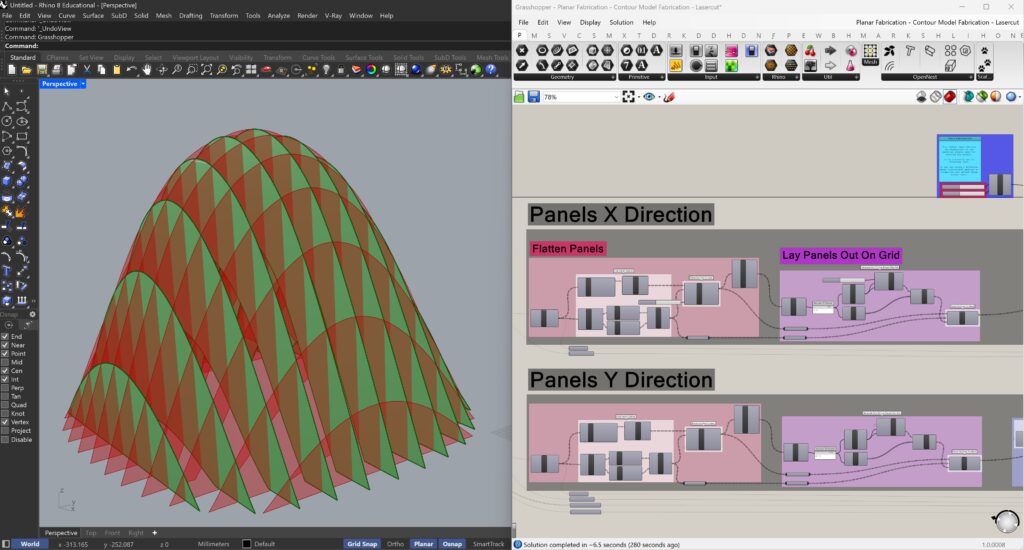
Automated Parametric Workflow The Scripts introduces an automated parametric workflow for fabrication. This includes the panelisation of complex geometry, arranging panels into flat grids, nesting them efficiently, automated labelling, and step-by-step guides that streamline assembly.
Colour Print Or Lasercut Models Each script is set up to export for both colour printing on standard paper and laser cutting. Architecture students can produce professional-quality models, while those without access to specialised tools can still create the same models in an easy accessible way.
Clear & Organised Scripts To Easily Apply To Your Own Geometric Designs. Each script is neatly organised, labelled, and fully annotated, making the logic easy to follow. This makes it easily adaptable to reference and panelise your own geometry designs.
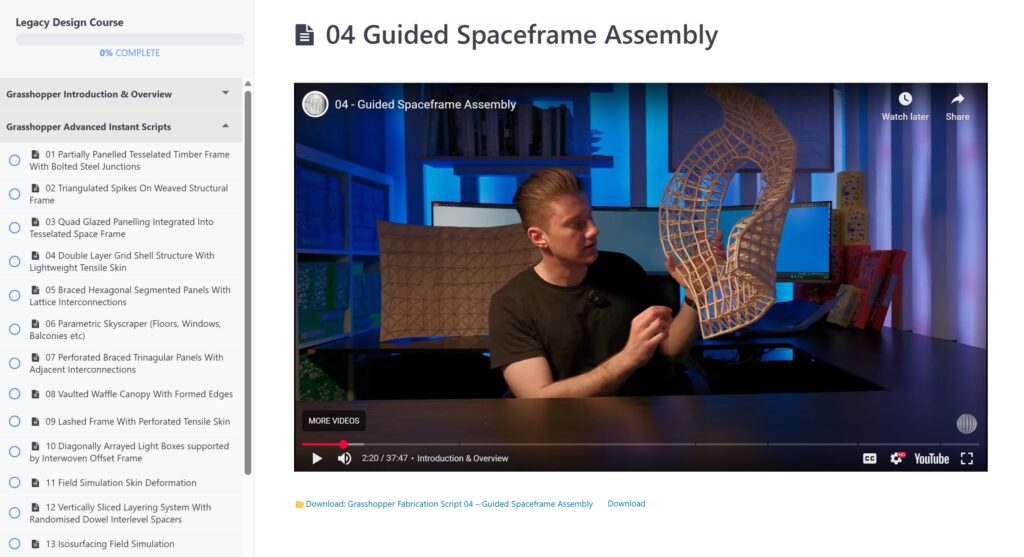
Detailed Tutorial Lessons On Each Script: Each fabrication script comes with a detailed lesson where I walk you through exactly how the script works, how to bake out fabrication files, and how to build the physical model. You’ll also learn to follow the assembly guide and adapt the script to fabricate your own custom geometries.
Visual Fabrication Guides: Each script includes a dedicated fabrication guide to direct you through the fabrication process. Each guide visually outlines the correct assembly order & align connections, helping you keep track of progress and avoid mistakes to assemble even the most complex geometries with confidence.
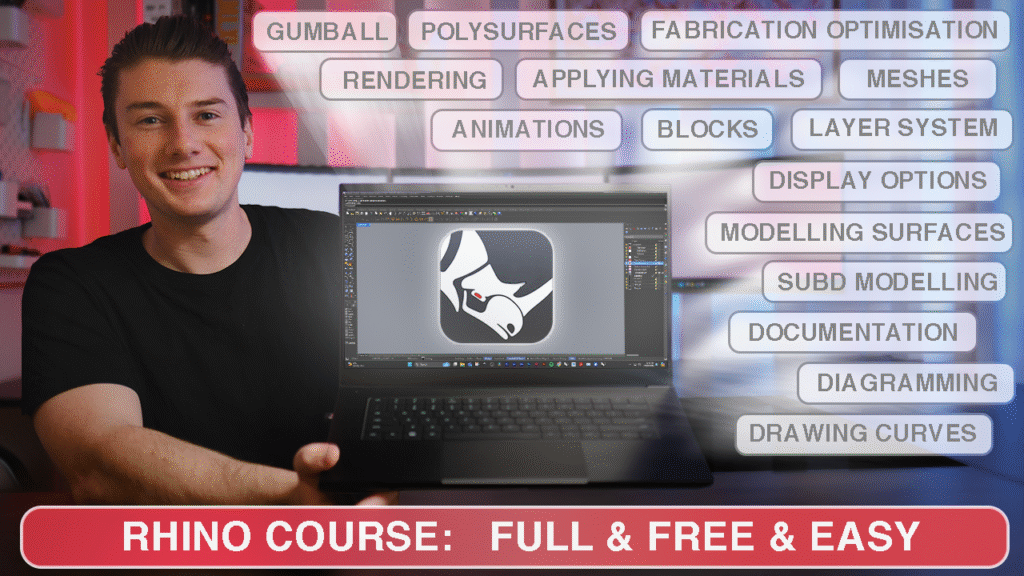
Master Rhino from the ground up with this comprehensive course. Starting with installation and interface setup, you’ll explore geometry, curves, surfaces, SubD, and mesh modelling through practical pavilion projects. Learn powerful tools like Gumball, Booleans, OSnaps, and layers while developing skills in visualisation, rendering, and lighting. Finish with professional workflows in documentation, layouts, and dynamic drawings. Whether for architecture, design, or 3D printing, this course equips you with everything to model and present confidently.
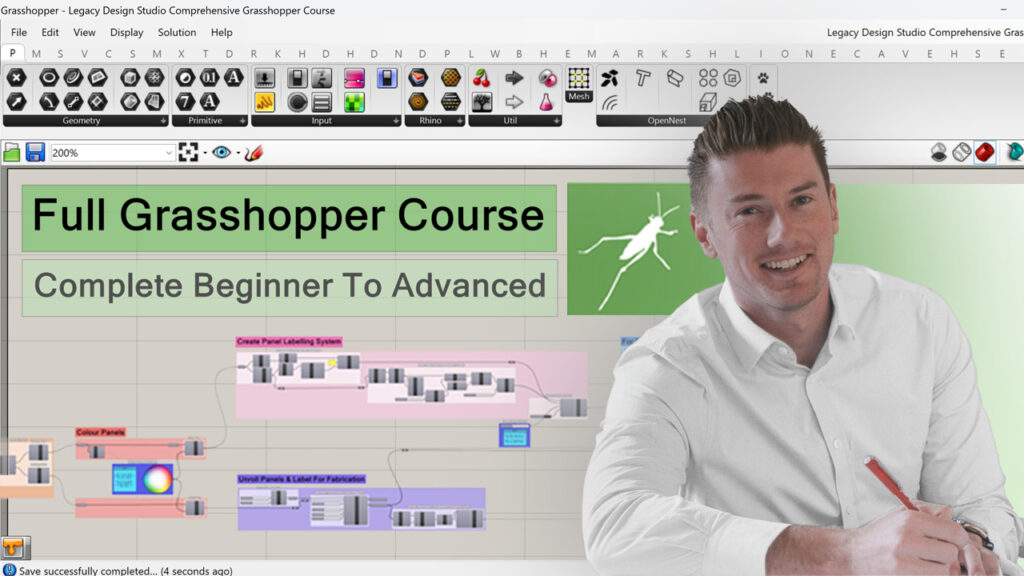
This course explores Grasshopper from the ground up, teaching you all the essential tools to go from complete beginner to an advanced understanding. Starting with the interface, basic geometries, and clean scripting habits, we progress through to apply parametric relationships using attractors, . From there, the course introduces data structures, custom displays, animation techniques, troubleshooting techniques and how to optimise designs with evolutionary solvers.
Master Professional Graphics Tools To Communicate Your Ideas: This comprehensive Photoshop, Illustrator, and InDesign course Library is the best place to learn, with everything you need in one place. Follow along step-by-step using premium resources like PNG figures, floor plan trees, and design assets. Build a full library of tools you can use for future projects.
Photoshop
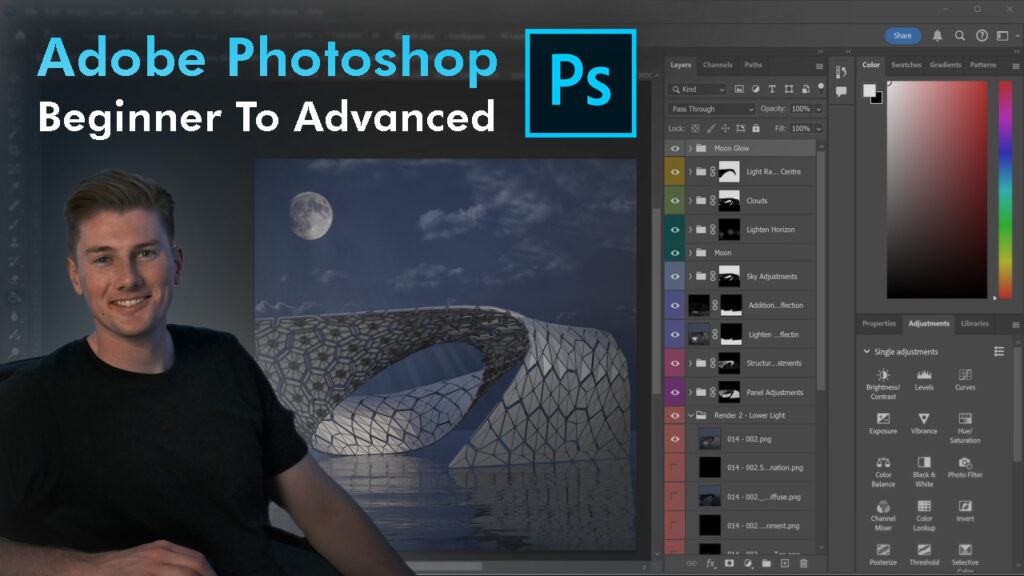
This course explores Photoshop all the essential tools you need to go from a beginner to an advanced understanding of Photoshop with a focus on compositing images for design communication. Starting from concepts like setting up files, understanding resolution, and navigating the interface, we progress through layers, masks, colour, and essential tools. From there, we move into advanced techniques for editing, post-production, and presentation, giving you the skills to enhance renders, build diagrams, and create polished compositions. The course teaches EVERYTHING you need to know to become an extremely capable photoshop user.
This course takes you from beginner to advanced in Adobe Illustrator, tailored specifically for architectural workflows. You’ll learn everything from importing and refining linework to creating clear diagrams, annotations, and presentation boards. By the end, you’ll produce professional-quality drawings and graphics that elevate your architectural communication and portfolio.
This course takes you from beginner to advanced in Adobe InDesign, focusing on architectural communication through poster and portfolio design. You’ll learn how to set up layouts, organise grids, refine typography, and integrate images, renders, and diagrams into clear, professional compositions. The course builds the skills needed to create consistent, polished documents that showcase your projects with clarity and impact. By the end, you’ll be equipped to produce presentation material at a professional standard.